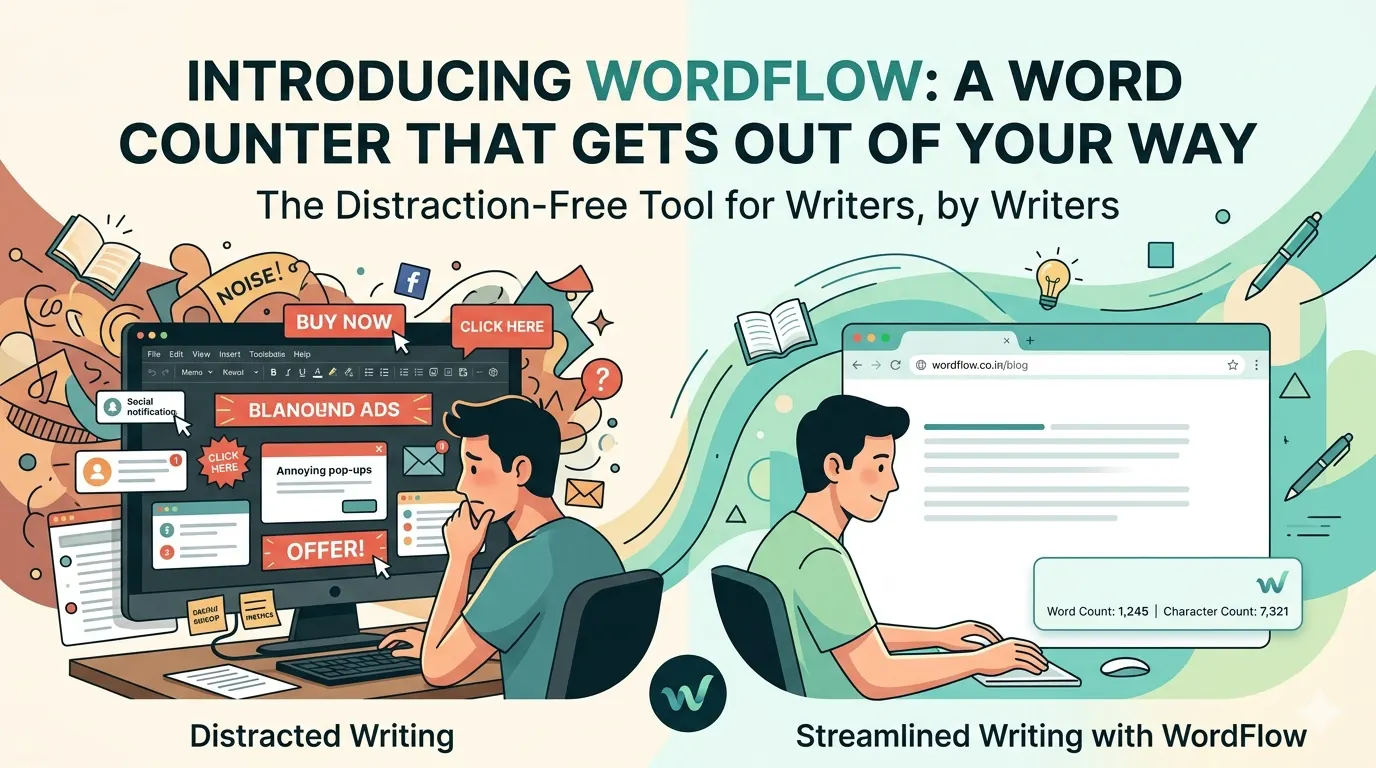
Most word counters online are loud. Banner ads at the top, popup overlays in the middle, "premium" upsells in the sidebar, tracking scripts running quietly in the background. You arrive wanting to know how many words you've written, and you leave having been advertised to four times.
WordFlow is the opposite of that.
What WordFlow is
WordFlow is a free, browser-based word counter. You paste or type your text into the editor, and it shows you the word count, character count, sentence count, paragraph count, reading time, and speaking time — live, as you type. That's it. That's the tool.
There are no ads. No signups. No tracking. No premium tier. No "free trial" funnel. No popups asking for your email. The page you see is the whole page.
Why I built it
I write a lot — drafts, essays, blog posts, project notes — and I kept finding myself bouncing between word counters online to check progress on whatever I was working on. Every single one tried to sell me something. Some of them were clearly built to maximize ad impressions, with the actual counting tool buried beneath three sections of SEO filler and a giant banner ad.
It felt absurd. A word counter is one of the simplest tools a computer can run. It shouldn't need a business model. It shouldn't track you. It shouldn't try to upsell you to a "Pro" version with features no one needs.
So I built one that doesn't.
What WordFlow counts
The tool measures seven things as you write:
- Words — split on whitespace, the standard approach
- Characters — total count including spaces
- Characters (no spaces) — useful for compact metrics like SMS or compressed sizes
- Sentences — detected by terminal punctuation
- Paragraphs — separated by blank lines
- Reading time — calculated at 200 words per minute, the average adult reading pace
- Speaking time — calculated at 130 words per minute, a conversational presentation pace
There's also a "most used words" feature that surfaces the words appearing most often in your text, excluding common stop words like "the" and "is." Useful for spotting repetition while editing.
What it doesn't do
WordFlow doesn't store your text. Everything happens in your browser. The moment you close the tab, the text is gone — not saved on a server, not logged, not analyzed, not anywhere.
It doesn't have user accounts. There's nothing to sign up for. No profile, no preferences synced across devices, no team collaboration. If you want to use it on your phone after using it on your laptop, just open the URL. That's the whole authentication system.
It doesn't try to do too much. It's not a writing assistant. It's not a grammar checker. It's not an AI editor. It's a word counter. The discipline is in keeping it that way.
Try it
WordFlow is live now at wordflow.co.in. Open it, paste some text, see your numbers. Use it for an essay, a script, a tweet, a thesis — anything you're writing.
Thanks for reading. Hope it's useful.